Regaining access to the platform
Don't have access to your login credentials?
In this article, you will find several options for regaining access to the platform.
Pick your situation
- You can still read the email address on your platform user → Reset your password. About 2 minutes.
- You can't, but a team admin can log in → Ask a team admin. Same day.
- You can't, and nobody on your team can log in → Contact Cyberfusion. Up to 3 working days.
Reset your password
-
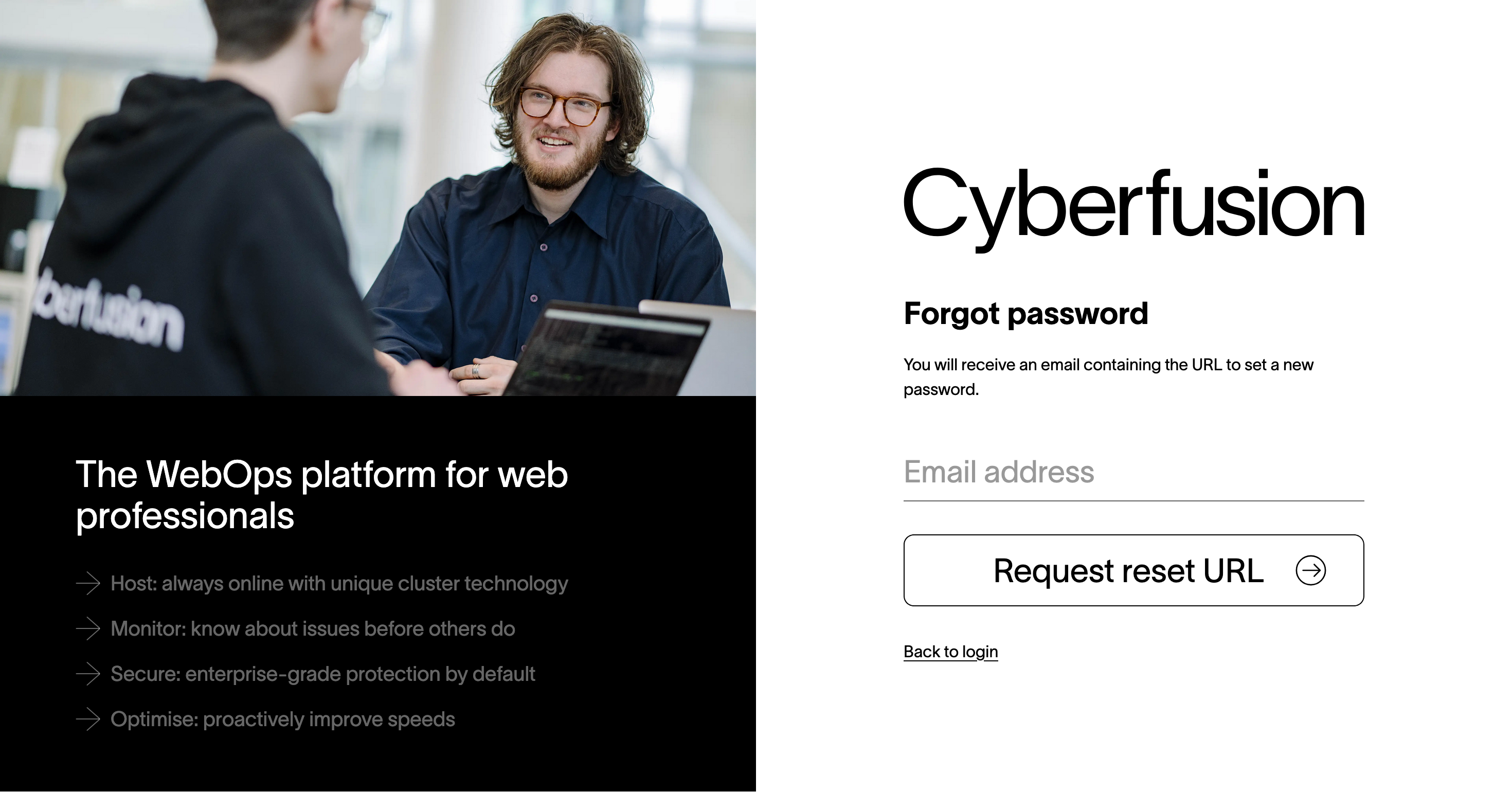
Go to the platform and click 'Forgot password?'.
-
Enter the email address of your platform user in 'Email address' and click 'Request reset URL'.
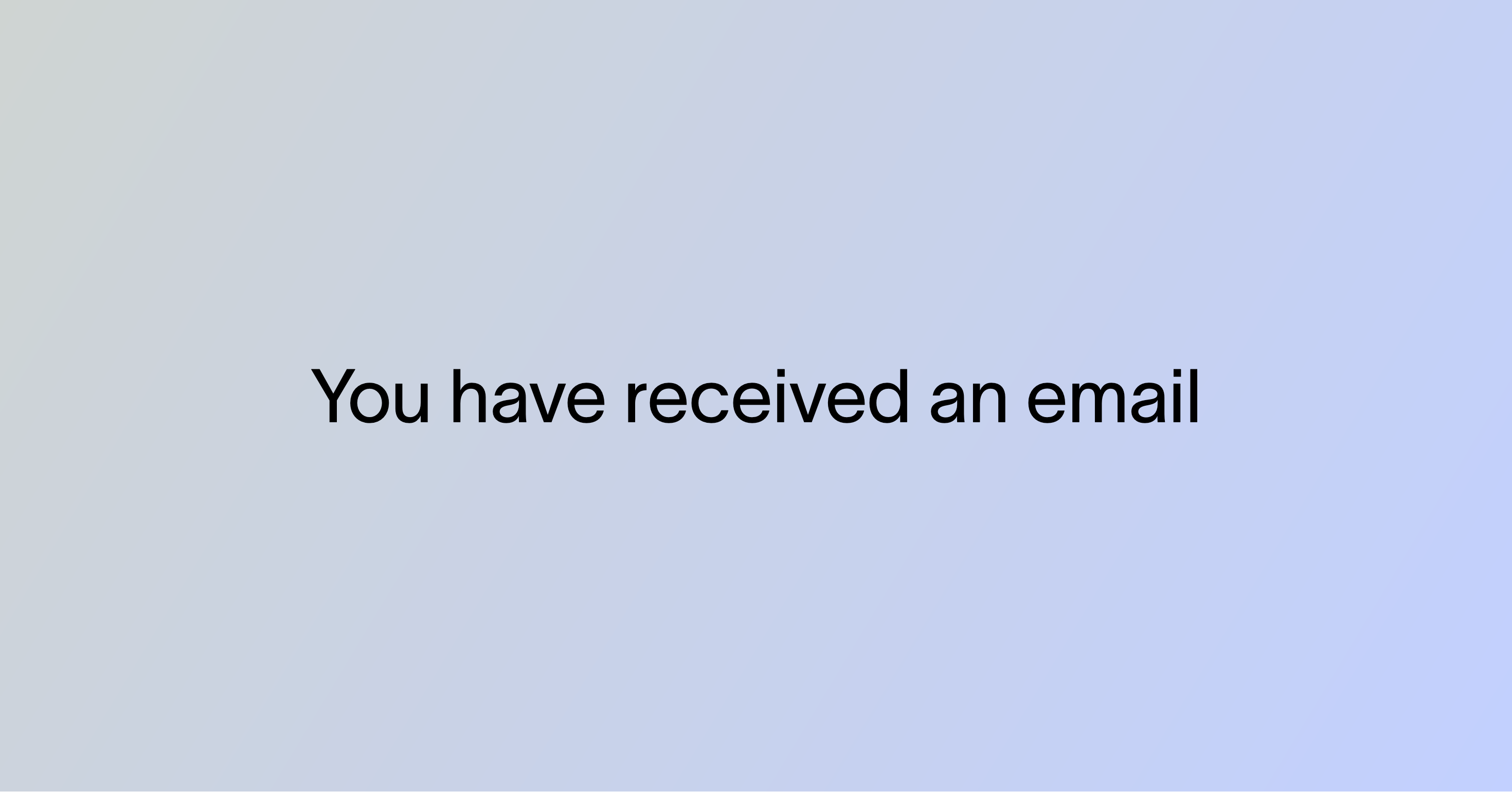
You then see this notice:
-
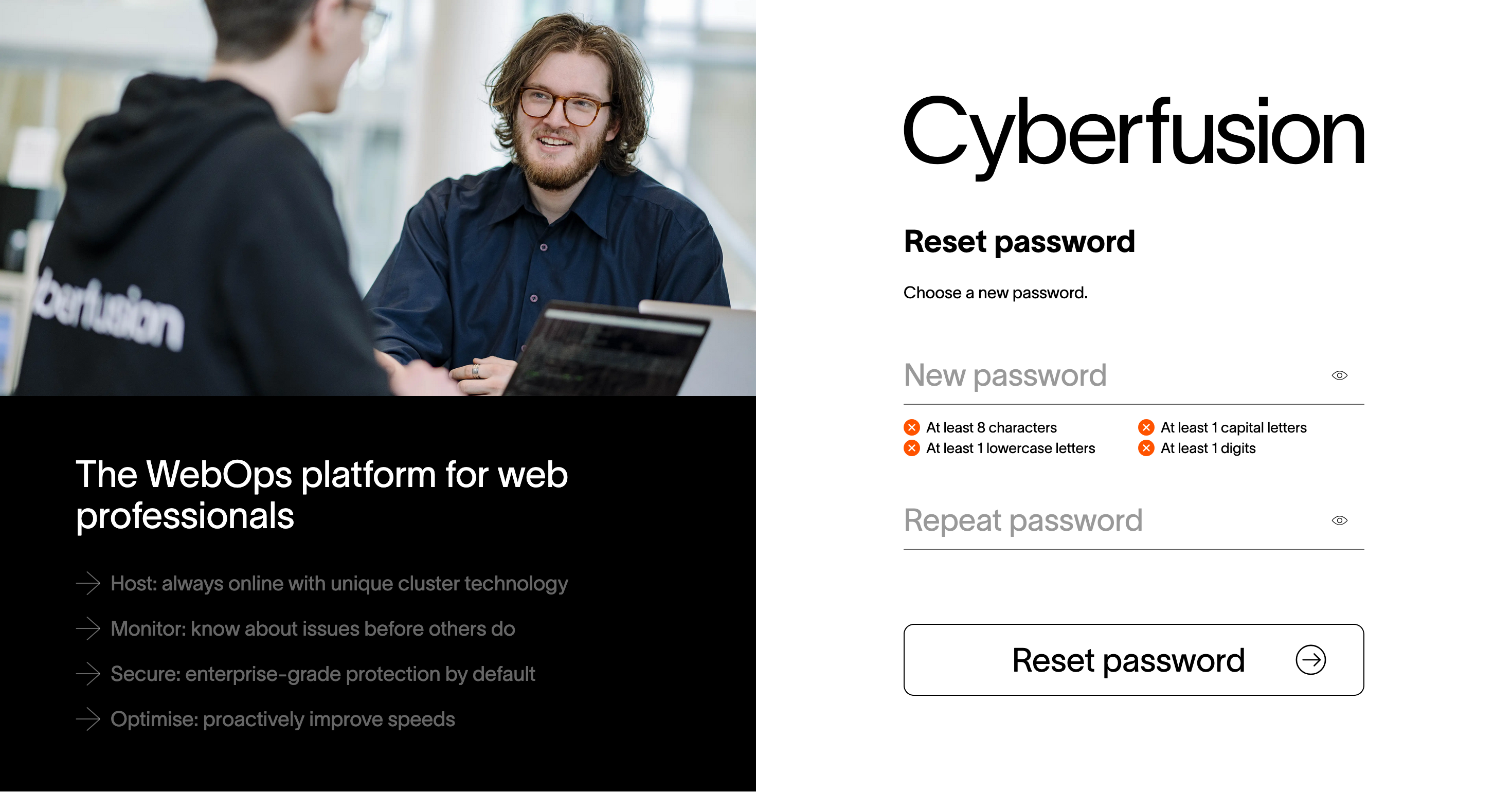
Open the email you received and click the URL in it. The 'Reset password' page appears:
-
Enter the new password in 'New password' and 'Repeat password', then click 'Reset password'.
You can now log in with the new password.
A team admin has access to the platform
Ask them to change the email address on your platform user to one you can read.
Then follow Reset your password.
No one has access to the platform
Cyberfusion changes the email address for you. Your identity is confirmed first, to keep your team safe.
Send an email to support@cyberfusion.io with the documents below.
If your team belongs to a natural person
- Copy of the ID card (identity card, passport, or driver's license) belonging to the team admin. You may strip the citizen service number, photo and document number.
- Screenshot of the most recent bank statement from Cyberfusion. The invoice number, amount and description must be visible.
- The new email address you want to use.
If your team belongs to a company
- A certified extract from the Chamber of Commerce of your team's company. It must be recent and must list company directors.
- Copy of the ID card (identity card, passport, or driver's license) belonging to a company director. You may strip the citizen service number, photo and document number.
- Screenshot of the most recent bank statement from Cyberfusion. The invoice number, amount and description must be visible.
- The new email address you want to use.
What happens next
- Cyberfusion verifies the information.
- An email goes to your platform user's current email address.
- No answer within 3 working days → the email address is changed. No answer confirms the address is not in use and there are no objections.
- Follow Reset your password.